
PoBoxZone offers cloud synchronization of your account. It is really useful because your scans of mails can be automatically backed up into your cloud. Currently we offer cloud synchronization for Dropbox, Onedrive and Google drive. And how it works?
In your account in dashboard, you can see “Save to cloud” section. Just click on it and you will see page like below.
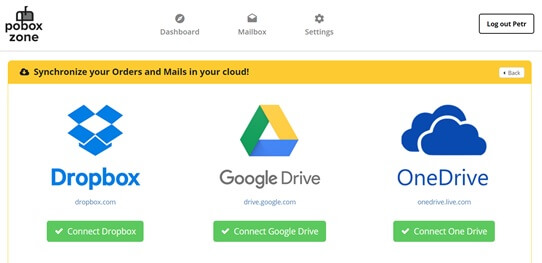
There you can see three cloud services. You can choose any of them (if you want, you can use all of them) just by clicking on “Connect”. After it, system will automatically create new folder in your cloud with your name. All your scans and documents from your PoBoxZone account will be automatically uploaded into your cloud account.
If you have turned on autoscan, you will see all new scans in your cloud folder.
